Low-income households
Households may need to compare Lifeline-style service discounts, low-cost internet plans, device offers and documentation requirements.
Independent notes for Kansas households
Kansas families, seniors, rural residents and students often need reliable internet, a usable device and plain guidance before they share personal documents with any provider. This site explains what to check first.
Digital access is not only about having an internet plan. A household may also need a working tablet or computer, reliable coverage at home, school-friendly access for children, support for seniors and a way to keep service active after approval.
Low-income households may look at Lifeline, provider discount programs, public benefits, school resources, library access and local nonprofit support. The safest approach is to compare each option slowly and verify current requirements before uploading documents.
Some readers who are sorting through tablet-related options may also compare local notes on free tablet help in Kansas, but any household should verify current eligibility rules, provider availability, costs and device stock before sharing personal information.
Households may need to compare Lifeline-style service discounts, low-cost internet plans, device offers and documentation requirements.
SNAP or Medicaid participation may help show eligibility for some programs, but the exact process depends on the official application and provider review.
Older adults may need simpler devices, clear activation steps, phone support and help understanding renewals before choosing a provider.
Families with students may need a stable home connection, homework-friendly devices and awareness of school or library resources.
Coverage can vary outside larger cities. Check the exact service address, not only a statewide coverage claim.
Preparing proof of identity, address, benefit participation or income can reduce delays and lower the risk of repeated submissions.
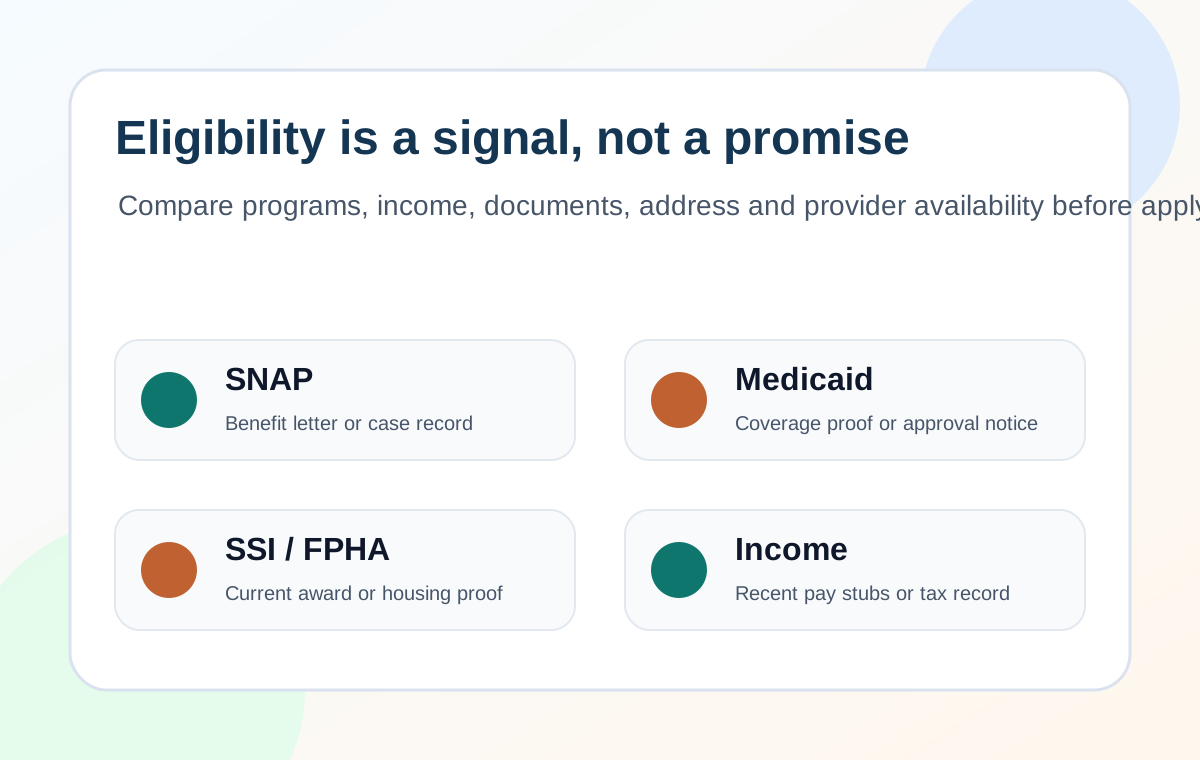
Eligibility signals do not automatically mean a device or service will be available. A provider may still ask for documents, confirm your address, review one-benefit-per-household rules and explain whether any device cost or activation step applies.
Plain notes on SNAP, Medicaid, SSI, Federal Public Housing Assistance, income-based checks and what those signals usually mean.
A practical checklist for comparing coverage, device availability, co-pays, document requests, activation and support.
No. Kansas Digital Access Notes is an independent informational resource. It does not provide tablets, approve applications or act as a Lifeline provider.
SNAP or Medicaid participation is commonly used as an eligibility signal for Lifeline-style checks. The household still needs to verify current rules, documents and provider availability.
No. Device availability depends on the provider, ZIP code, inventory, eligibility review and any required cost share. Confirm details before applying.